HitPaw Video Tools: The All-in-One Creative Suite for Modern Content Makers
If you’re tired of juggling multiple apps just to convert, edit, and polish your media, HitPaw may be the one-stop solution you’ve been looking for. By combining video editing, image enhancement, audio cleaning, and format conversion — all under one roof — HitPaw simplifies content creation for both beginners and seasoned creators.
In this post, we’ll walk through what HitPaw offers, highlight its strengths and limitations, and help you decide whether it’s right for your workflow.
What is HitPaw?
HitPaw is a multimedia software suite developed by a Hong-Kong–based company.
Unlike tools that specialize in only one function, HitPaw bundles a broad array of capabilities: video conversion, editing, AI-powered upscaling, audio enhancement, and even creative extras like AI-generated avatars and music.
What makes HitPaw stand out is its goal to serve both casual and professional users. Whether you just need a quick format conversion or you want to polish videos as if they were produced in a studio, HitPaw aims to deliver.
Key Features That Make HitPaw Worth Exploring
Wide Format Support & Easy Conversion
HitPaw handles most popular media formats — from MP4 and MOV to MKV, AVI, FLV, and WMV — ensuring compatibility for drone footage, action-cam clips, social media exports, or old camcorder conversions.
This flexibility is ideal if you often work with content coming from different sources. Instead of switching between multiple programs, you can simply import your file into HitPaw and convert or compress as needed.
AI-Powered Video Enhancements & Upscaling
One of HitPaw’s flagship strengths is its AI video enhancer (sometimes referred to as VikPea), which can upscale footage, sharpen details, reduce noise, and even restore over-compressed or degraded video.
Whether you’re reviving old home videos, polishing shaky phone clips, or improving export quality for social platforms — the one-click AI enhancements make a noticeable difference. According to creators, results can sometimes transform fuzzy old clips into watchable, high-definition footage.
All-in-One Toolkit — From Photo to Audio
Beyond video, HitPaw includes tools to enhance photos, remove unwanted elements, and even generate AI music. Its image converter and photo-editing tools help you handle bulk image processing quickly.
On the audio side, HitPaw offers features to clean background noise, remove hiss, and improve overall sound quality — a plus for video creators, podcasters, or anybody working with spoken recordings.
Friendly Interface for Beginners and Speed for Pros
You don’t have to be a video-editing expert to get started. The interface is intuitive enough for first-time users to perform tasks like conversion, cropping, or basic edits in minutes.
At the same time, pros who value efficiency benefit from its fast processing, batch handling, and the ability to quickly upscale or enhance large volumes of media without complicated editing timelines.
Where HitPaw Shines — and Where It Can Fall Short
✅ Advantages
- Broad multi-media support (video, audio, images) — useful if you create across formats.
- AI enhancement removes manual, tedious steps — ideal for old footage or low-quality recordings.
- Accessible UI for beginners while offering advanced features for experienced editors.
- Time savings: Fast conversions, batch processing and AI-driven enhancements streamline workflows.
- Versatility: Great for vlogs, social media clips, e-commerce visuals, archival restorations, and more.
⚠️ Potential Drawbacks
- Some advanced features (especially heavy AI editing) can be resource-intensive — older machines may struggle.
- Mobile or lighter versions reportedly lack some desktop-strength capabilities, limiting flexibility on the go.
- Like many all-in-one tools, mastering the more powerful features may come with a learning curve.
- As with any automatically enhanced video/photo tools — results may vary depending on the quality of original media; AI can’t always work miracles.
Who Should Use HitPaw — and Who Might Want Alternatives
HitPaw is a great fit for:
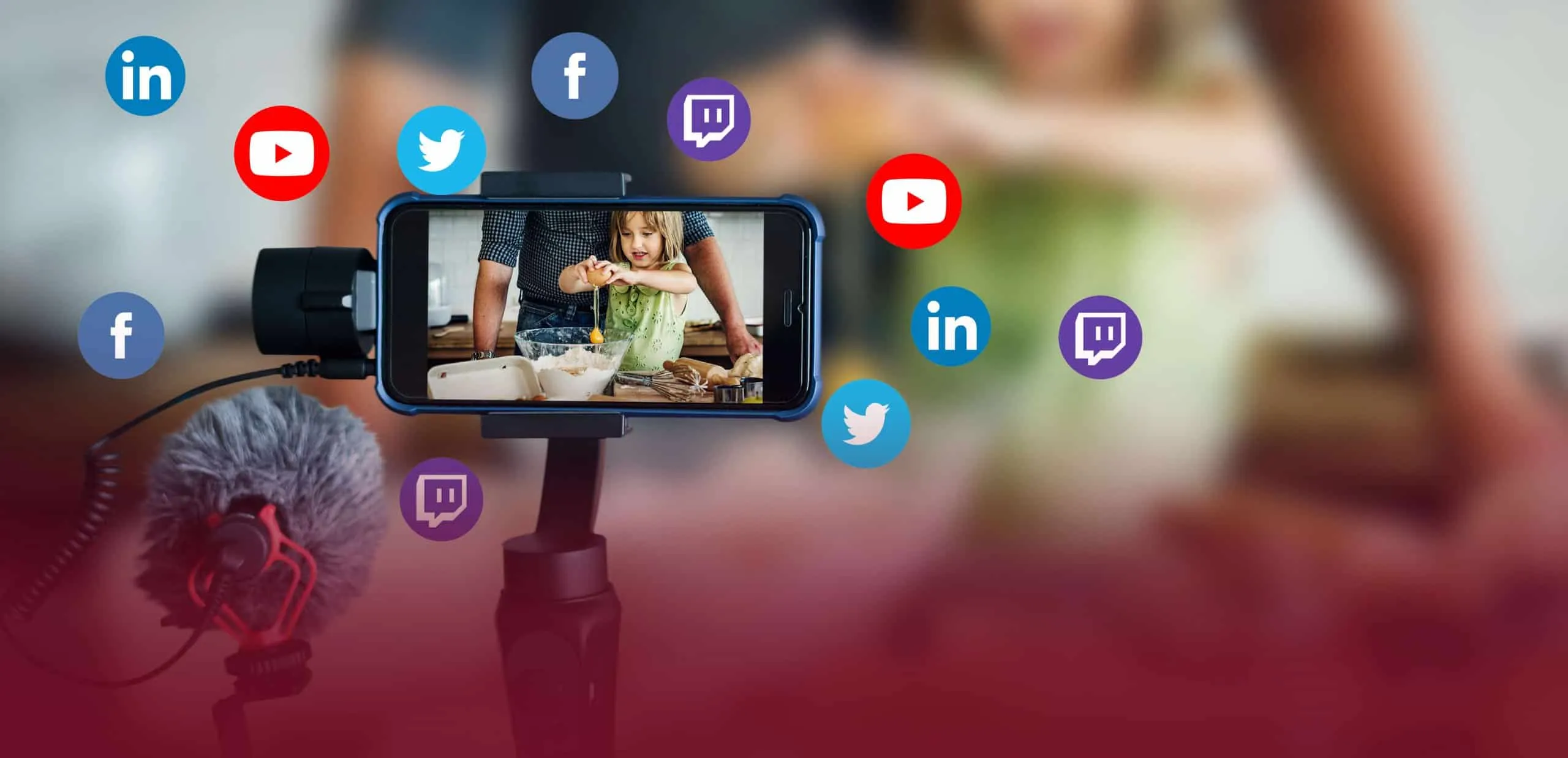
- Content creators uploading to social media platforms (e.g., TikTok, YouTube, Instagram), who need quick edits, format conversions, or upscaling.
- Users with archives of old videos, home movies, or low-resolution footage wanting to breathe new life into them.
- E-commerce sellers needing to polish product photos or videos in batches before uploading.
- Educators, marketers, or small teams needing a straightforward, efficient multimedia toolkit without expensive software.
However, if you need high-end film-grade editing, precise timeline control, advanced color grading, or professional-level compositing, you might find dedicated tools like Adobe Premiere Pro, DaVinci Resolve or Final Cut Pro more suitable for complex projects.
Final Thoughts — Should You Try HitPaw?
If you’re looking for a versatile, all-in-one media tool that balances ease-of-use with surprisingly powerful AI features — especially for quick edits, upscaling, and format conversions — HitPaw is definitely worth testing.
It’s especially appealing to creators who value speed, convenience, and streamlined workflows over deep, granular control. On the flip side, if you require pro-level detail, cinematic-grade editing or advanced color correction, you may eventually outgrow it.
In short: HitPaw presents a compelling “one-tool-does-many-things” option — powerful enough for many creators’ everyday needs, yet simple enough for newcomers.
Give it a go, and you might be surprised by how much media magic you can accomplish with just a few clicks.