9 Best Alternatives to Kling in 2025: Which AI Video Tool Fits You?
If you're tired of wrestling with clunky video editing software — or want to try something different from Kling — there are now a host of smart, AI-powered video platforms worth exploring. Whether you’re making marketing clips, social-media shorts, tutorials or promotional videos — one of these 9 tools might just be a better match.
Here’s a breakdown of the top 9 alternatives (as of 2025) — and who each is best suited for.
1. Fliki — Text-to-Video with AI Voices (Best for Quick Social Media Clips)
Fliki stands out if you want to transform blog posts, scripts, or plain text into short videos — complete with AI-generated voices. It’s designed for speed and social media output, making it ideal for TikTok, YouTube Shorts, Instagram Reels.
Pros: Quick turnaround, many voice options, free trial.
Cons: Less control over visuals, limited editing depth.
Use Fliki if you prioritise speed and content volume over cinematic polish.
2. InVideo — Full-Featured Video Editor With AI Tools (Versatile All-Rounder)
InVideo is a heavyweight compared to the most basic tools — offering template-based editing, AI-powered text-to-video, and robust customization. Great for marketing videos, YouTube content, or business promos.
Pros: Flexible editing, template library, good for both short and long videos.
Cons: Slight learning curve, pricing higher for advanced features.
Best if you need both speed and creative control.
3. VEED — Simple Editor with AI Avatars & Subtitles (User-Friendly Option)
VEED offers a balanced solution for creators who want simplicity and speed without sacrificing functionality. It adds AI avatars, automatic subtitles and basic editing — great for vlog-style content, explainer videos, or social media promos.
Pros: Easy to learn, low entry cost, integrated AI tools.
Cons: Avatars may not be very realistic, free plan has limits.
Ideal for beginners or casual creators needing decent-looking videos fast.
4. Basedlabs — AI Video Generator for Creative & Abstract Visuals (For Experimental Creators)
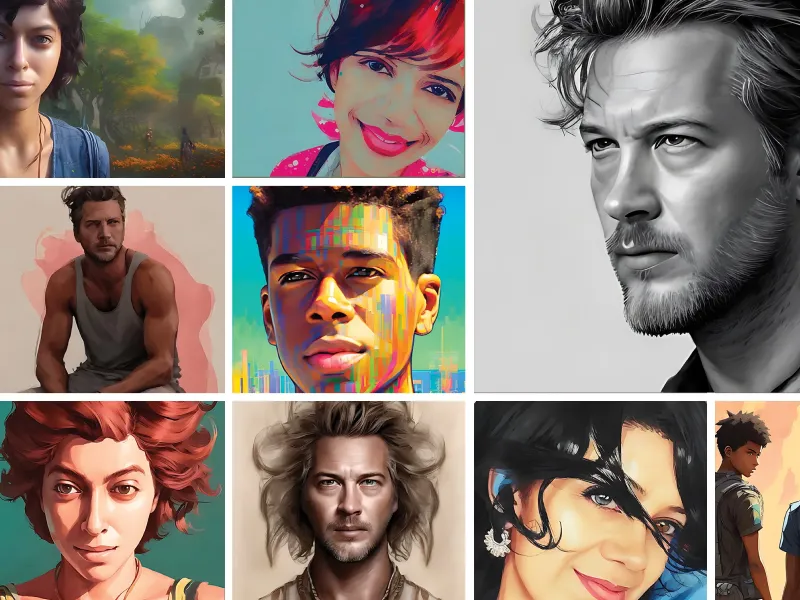
Basedlabs offers a unique angle: rather than focusing on realistic video or standard editing, it emphasises creative, stylized visuals — ideal for artistic content, abstract promos or social-media-ready clips with flair.
Pros: Fast, affordable, creative style options, accessible for non-experts.
Cons: Less realistic output, limited advanced editing features, credit-based system can be confusing.
Great for artists, social media brands, or anyone wanting a different visual style.
5. Vizard — For Interactive, Immersive & Long-Form Video Workflows
Vizard is positioned toward more complex or interactive content — think training simulations, product demos, or immersive virtual experiences. It’s less about quick clips, more about utility and depth.
Use Vizard when you need interactivity, longer runtime, or a more polished, professional feel.
6. Runway / Pika / Luma (and Others) — Creative Suites & Specialized AI Generators
Several other tools were highlighted as compelling Kling alternatives — including Runway, Pika, Luma, Sora, Pixverse, Assistive, and Canva (with video features). These cover a range: from text-to-video, image-to-video, animation, stock-media editing, to simple promotional videos.
Each has its strengths: some give maximum creative control, others prioritize ease-of-use. If you aren’t satisfied with one solution, it’s worth testing a few.
How to Choose — Quick Decision Guide
| Your Need / Goal | Recommended Tools |
|---|---|
| Quick social-media clips | Fliki, VEED, Basedlabs |
| Marketing or promotional videos | InVideo, Runway, Luma |
| Artistic or stylized visuals | Basedlabs, Pika, Pixverse |
| Training / immersive content | Vizard, Runway |
| Flexibility & control | InVideo, comprehensive AI suites |
Pros & Cons of Moving Away from Kling — What Alternatives Solve (And What They Don’t)
Advantages vs Kling:
- Better specialization — some tools focus on voiceovers, others on stylized visuals, giving more creative flexibility.
- Often more beginner-friendly and affordable.
- Wider variety — from quick text-to-video clips to in-depth editing suites.
Trade-offs:
- Fragmentation: you might need to use 2–3 tools to match Kling’s all-in-one functionality.
- Learning curve: some advanced tools still require time to master.
- Inconsistent quality: stylized video may not suit every brand or use-case.
Final Thoughts — The Best Tool Depends on What You’re Making
There’s no one-size-fits-all AI video tool. The “best” Kling alternative depends on what you want to create. As AI video tools evolve rapidly in 2025, exploring 2–3 of the above is a smart move. If you need fast, simple videos — start with Fliki or VEED. If you want more creativity or control — try Basedlabs or InVideo.
The real benefit is this: you’re no longer locked to heavy editing software or expensive studios. With modern AI tools, you can produce impressive video content without being a professional editor — as long as you pick the right tool for your needs.